
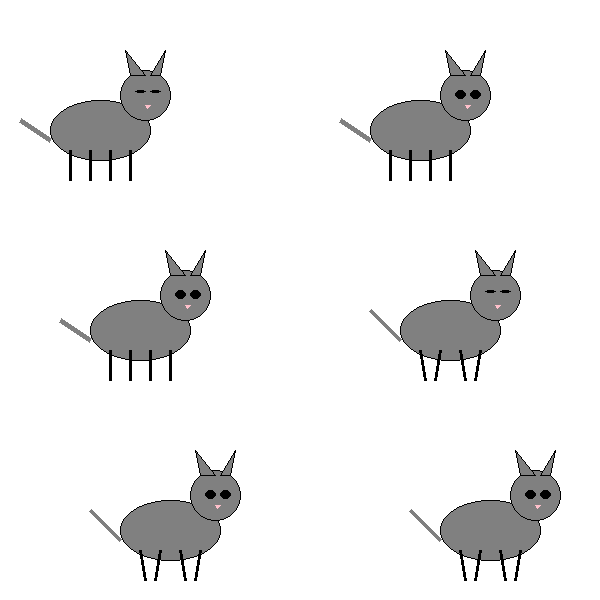
Credits: 🤖 Agent Z
SKILL.md, follows the steps, and can execute commands in a shell environment as specified by the skill.
Agentor x Skills
Agentor provides native support for skills. Simply provide the directory or path to aSKILL.md file, and Agentor will automatically inject the skill metadata into the system prompt. Key features of Agentor skills:
- Starts light: Discover skills by name and description only
- Loads on demand: Pull full instructions from
SKILL.mdwhen relevant - Executes safely: Run skill-driven commands in an isolated shell
Creating Your First Skill
Skill follow the following layout:1
Create the skill directory
Organize your skill in a dedicated folder. At minimum, you need a
SKILL.md file.2
Define instructions in SKILL.md
The first few lines should contain a clear name and description. The rest of the file should provide detailed, step-by-step instructions for the agent.
SKILL.md
3
Register the skill
Pass the path to your skill folder when initializing your agent.
Usage Examples
Creating a GIF
Best Practices
Writing effective SKILL.md files
Writing effective SKILL.md files
- Clear Descriptions: The first 2-3 lines are critical. They determine if the agent “activates” the skill.
- Modular Steps: Break complex logic into smaller, numbered instructions.
- Error Handling: Tell the agent what to do if a command fails (e.g., “If ffmpeg is missing, suggest the user install it”).
Organizing resources
Organizing resources
Use the
scripts/ folder for complex Python or Bash scripts that the agent can call via the shell. This keeps the SKILL.md focused on logic rather than raw code.